tl;dr I side-quested into fixing my car blinker in search of thermal paste to replace the old paste in my System76. All to just unplug and plug back in my LCD connector.
While I was at RenderATL 2026, my screen wouldn’t come on while it’s suspended. It’s been happening on and off for a while now. Last time was when I got it shipped back to me from Mexico after I left it in the hotel room under a pillow. Fortunately, like last time I had my work laptop with me so I was able to continue with completing the hands on workshops.
When I got home, I looked into it getting it fixed ASAP. I got labs I need to complete! Yes I could have just restarted the labs on another computer but I didn’t feel like starting over on the labs and “what if this was an easy fix that I kept putting off?”. I consulted with my friends Claude and Google Search and we basically reached the conclusion that it was a hardware problem.
I’ve opened up this laptop multiple times before pushing on connections and what not.(I got the missing screws to prove it.) Sometimes it worked sometimes it didn’t. As per the hardware diagram on the website for my make and model Galago Pro 6, the LCD connection is covered by the heat sink. 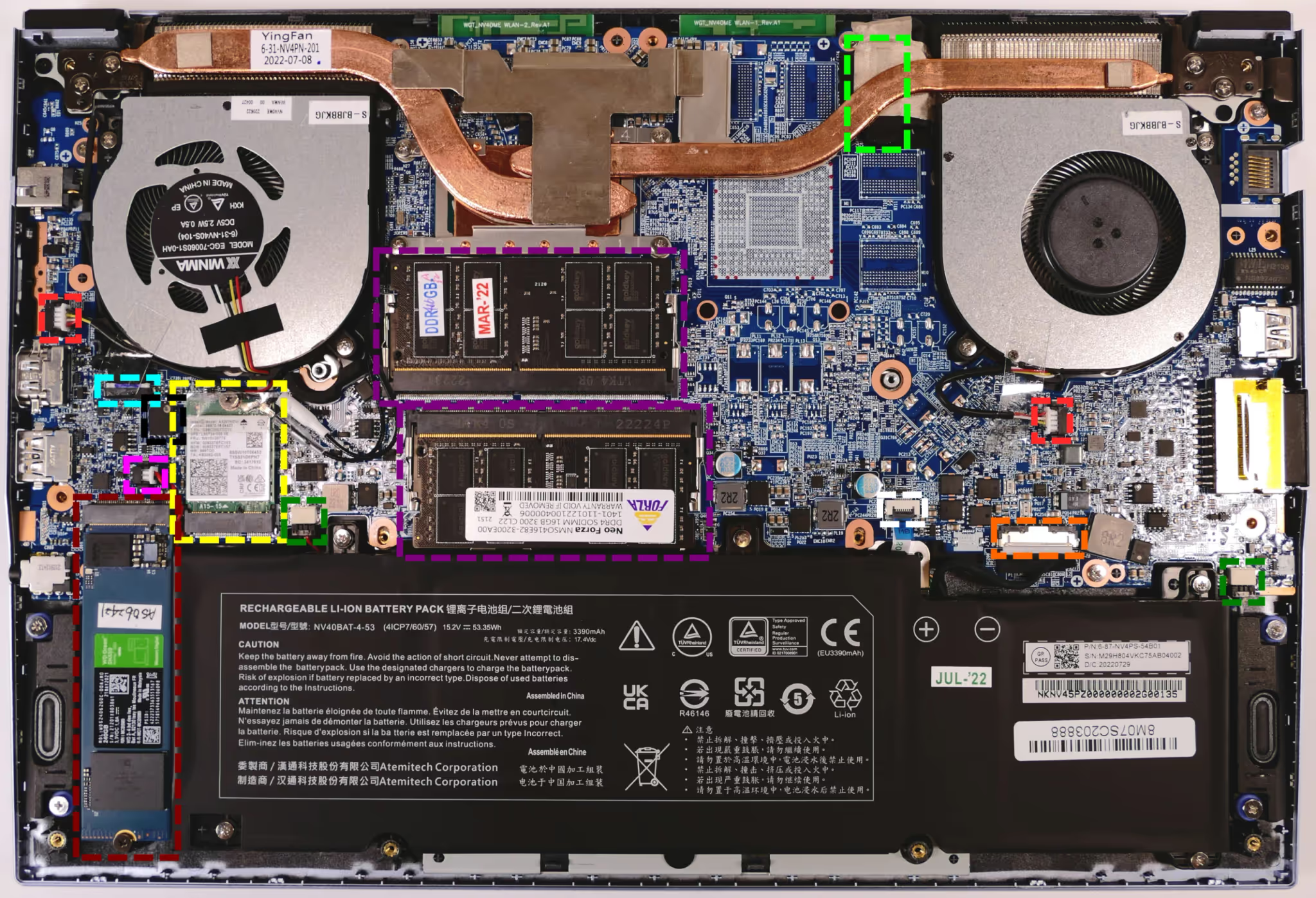
I decided to be brave and remove the heat sink so I can take a closer look at the LCD connector.
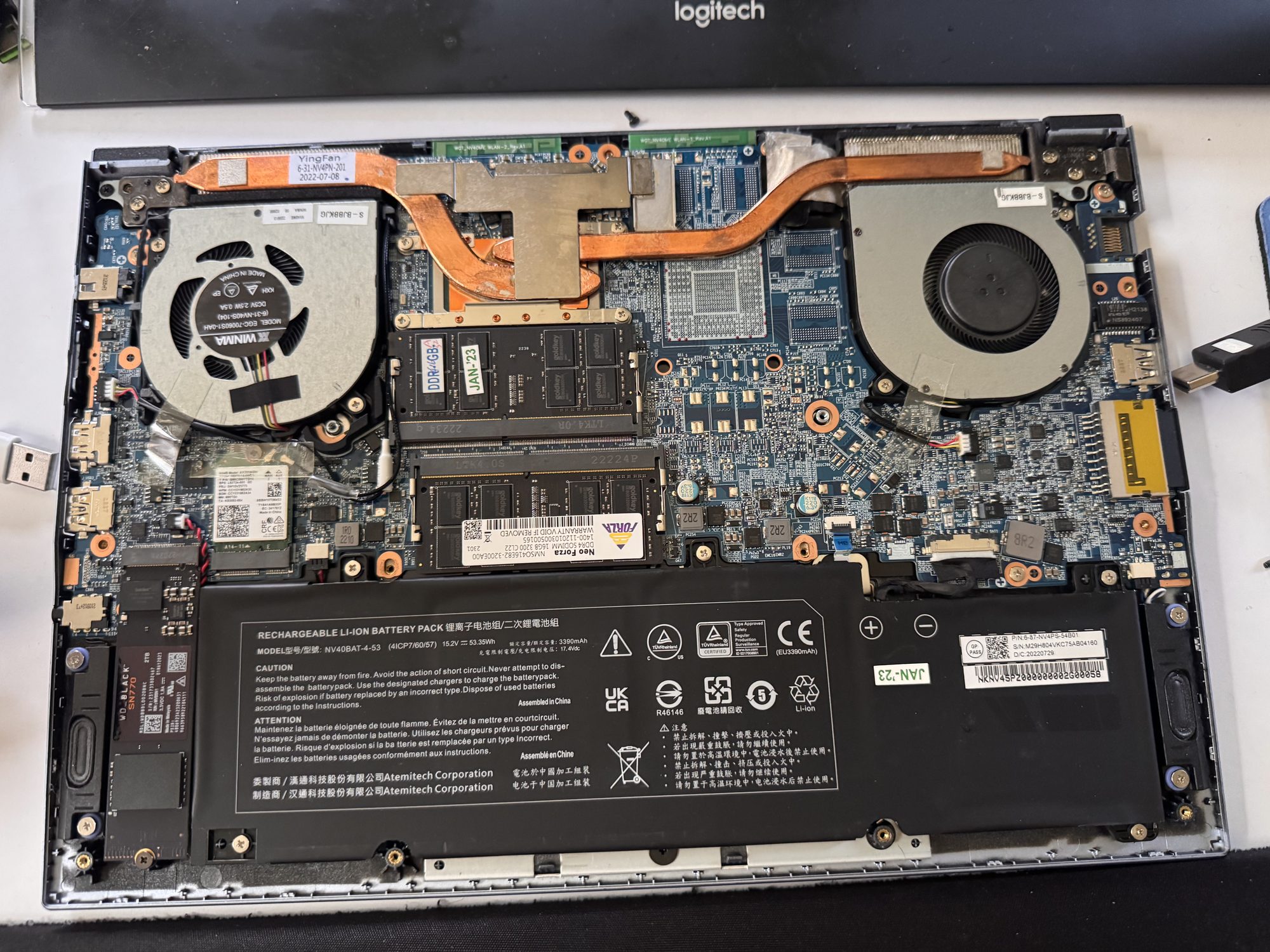 Cracked open — heat sink still in place, spanning both fans.
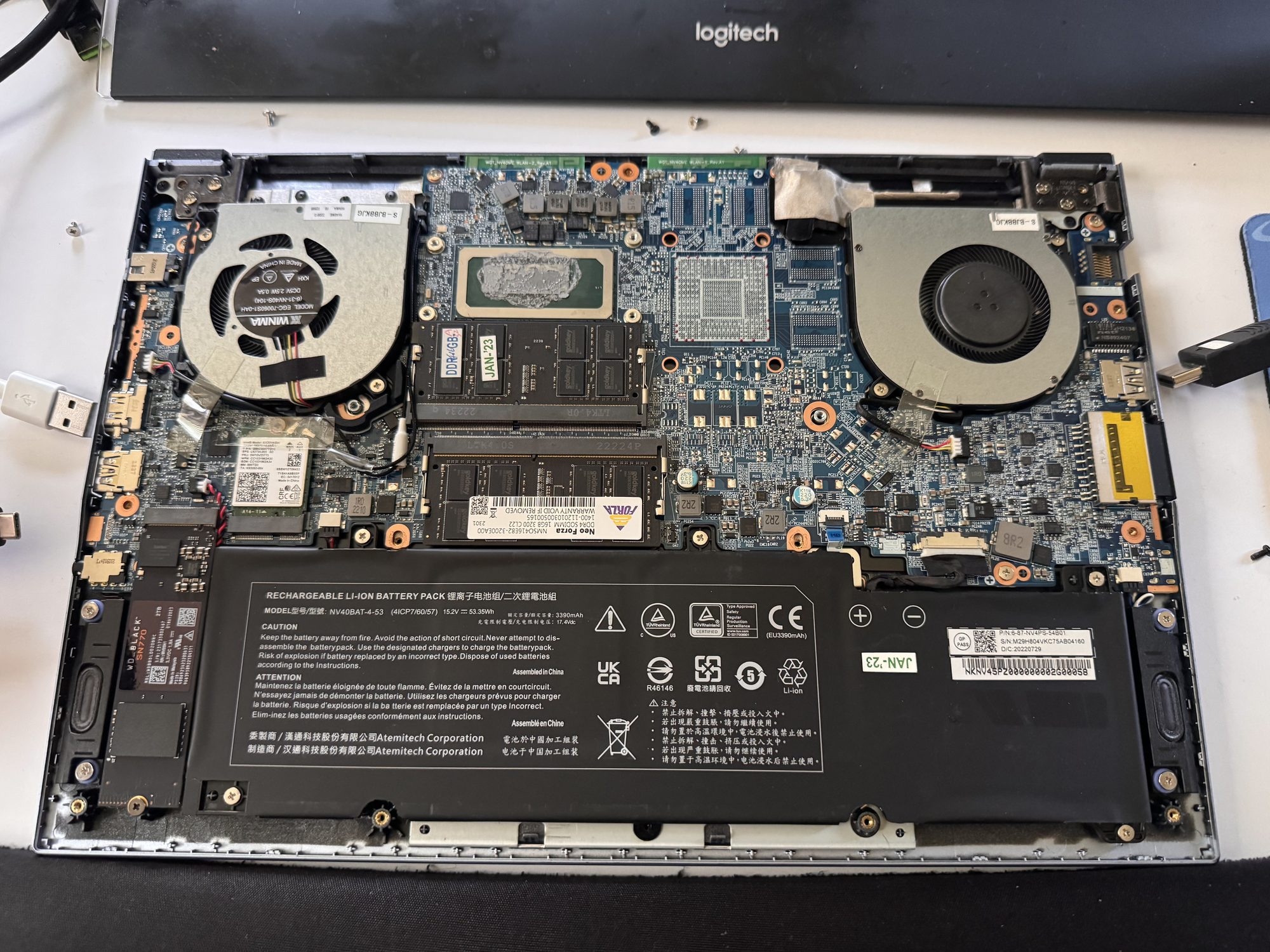 Heat sink off — years-old thermal paste caked on the CPU.
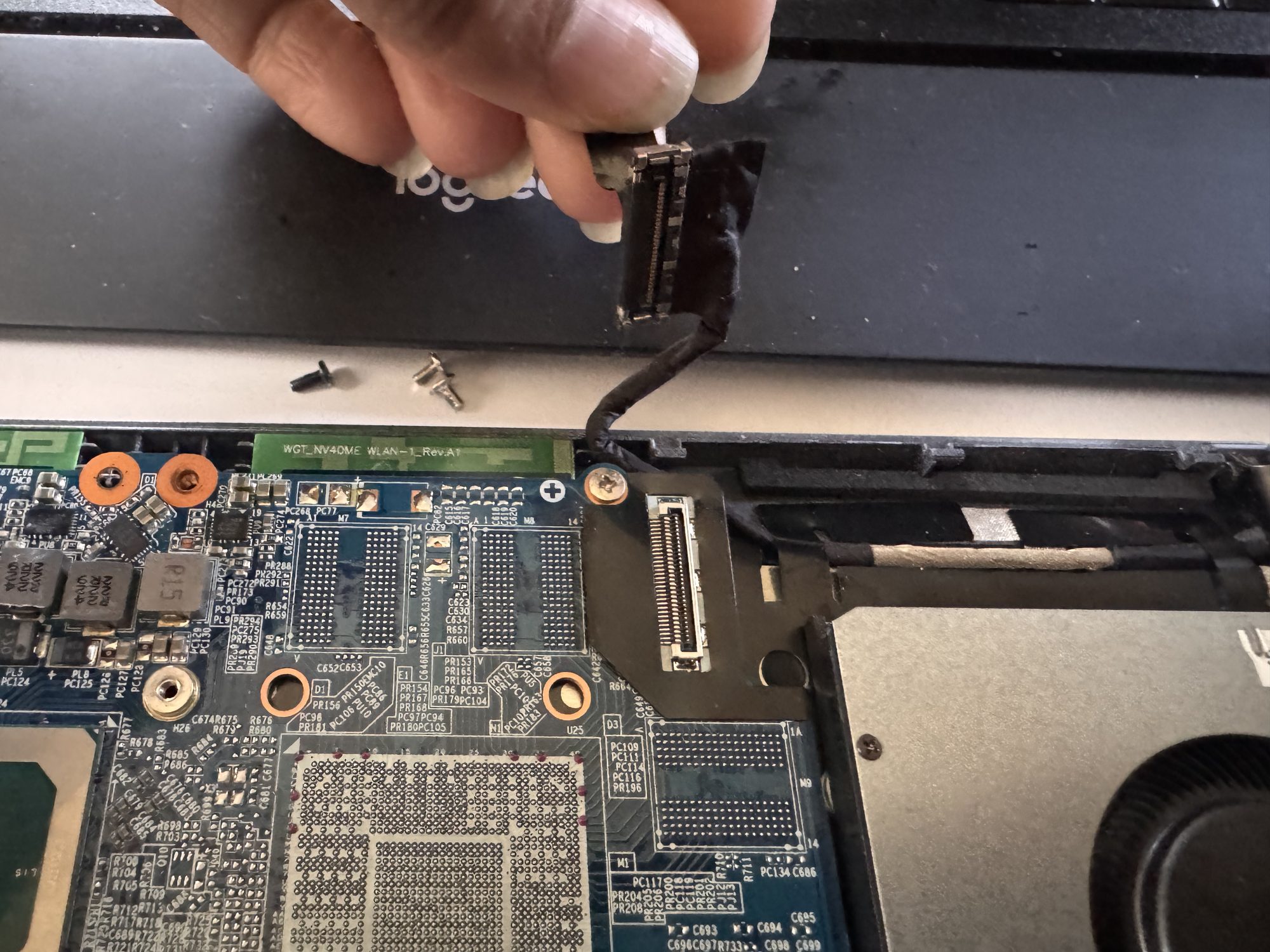 The actual culprit: the LCD connector, unplugged and about to go back in.
In the instructions, it says to replace the thermal paste. I don’t have thermal paste and have never used any before. I’ve taken a part computers before in the past but I have never had to use thermal paste. So off to my quest to find thermal paste. First place I end up at is AutoZone. I end up there because that’s the closest place Google said that I would find it. While I’m at AutoZone, I realized that I need to finally fix my blinker. So I decided to get a light bulb for my blinker. The guy that was helping me offered to replace it but they didn’t have it in stock at that location either. Oh they didn’t have thermal paste either. But he did tell me that the bulb was available at another AutoZone.
So I stopped by Harbor Freight before going to the second Auto Zone. Surely, they have thermal paste. Nope. So I go to the other AutoZone to see if they have bulb… and thermal paste. (Why not?) They had the bulb! But no thermal paste. I replace the bulb.
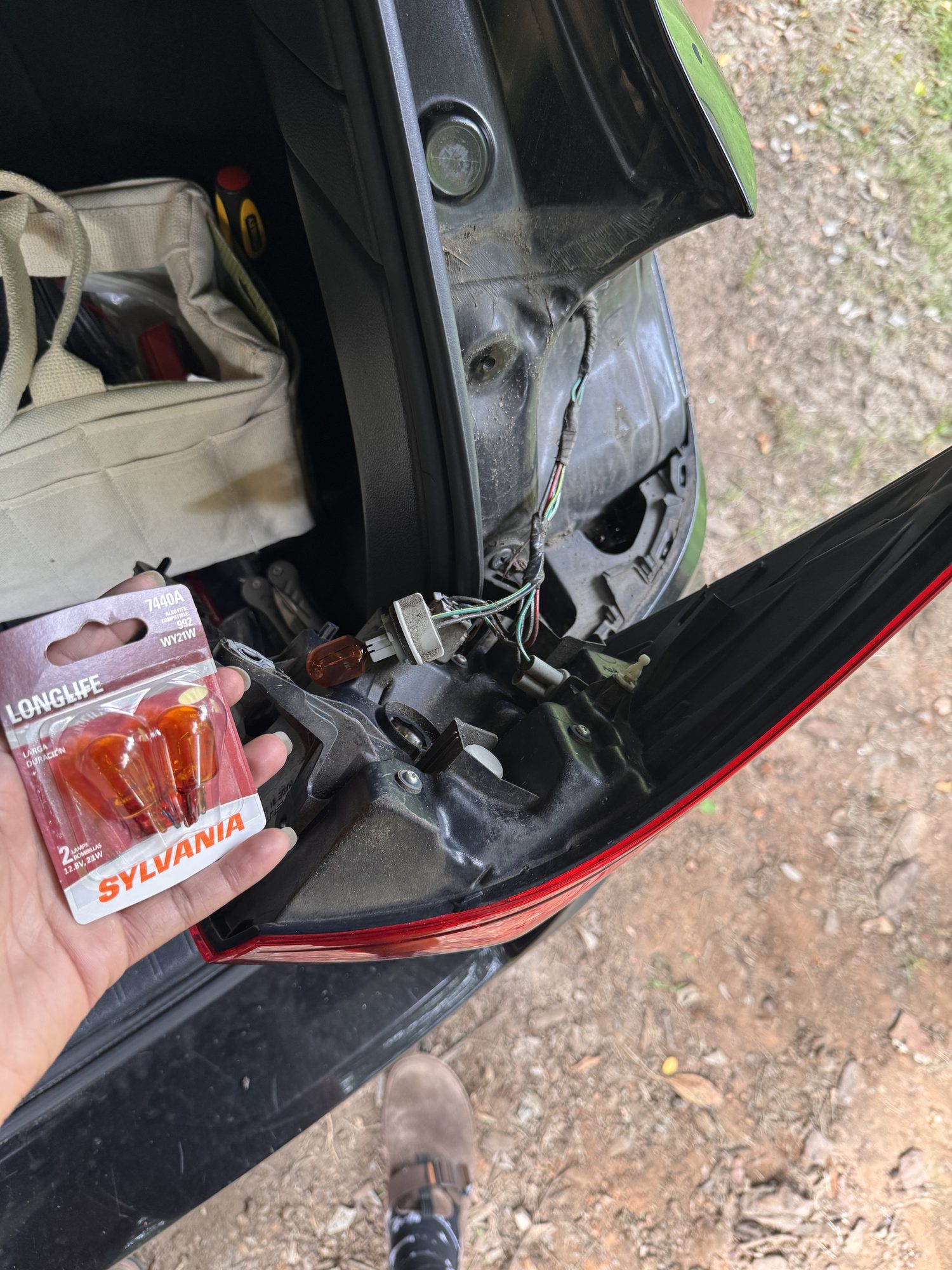 The blinker bulb, finally replaced.
Btw, replacing the bulb fixed my infotainment screen. It’s been unusable for a while, probably since my blinker went out.
I replaced the bulb because at this point I made up my mind to go to Best Buy to get thermal paste. Best Buy is in a part of town that my chances of getting pulled over for not using a blinker go up significantly.
I finally head to Best Buy. I buy the paste and a webcam. Did I tell you that my webcam is broken too? And has been for a while now? I have others but I want one for my System76 meerkat.
I come back home, refresh the paste, put the heat sink back on, and close up the laptop.
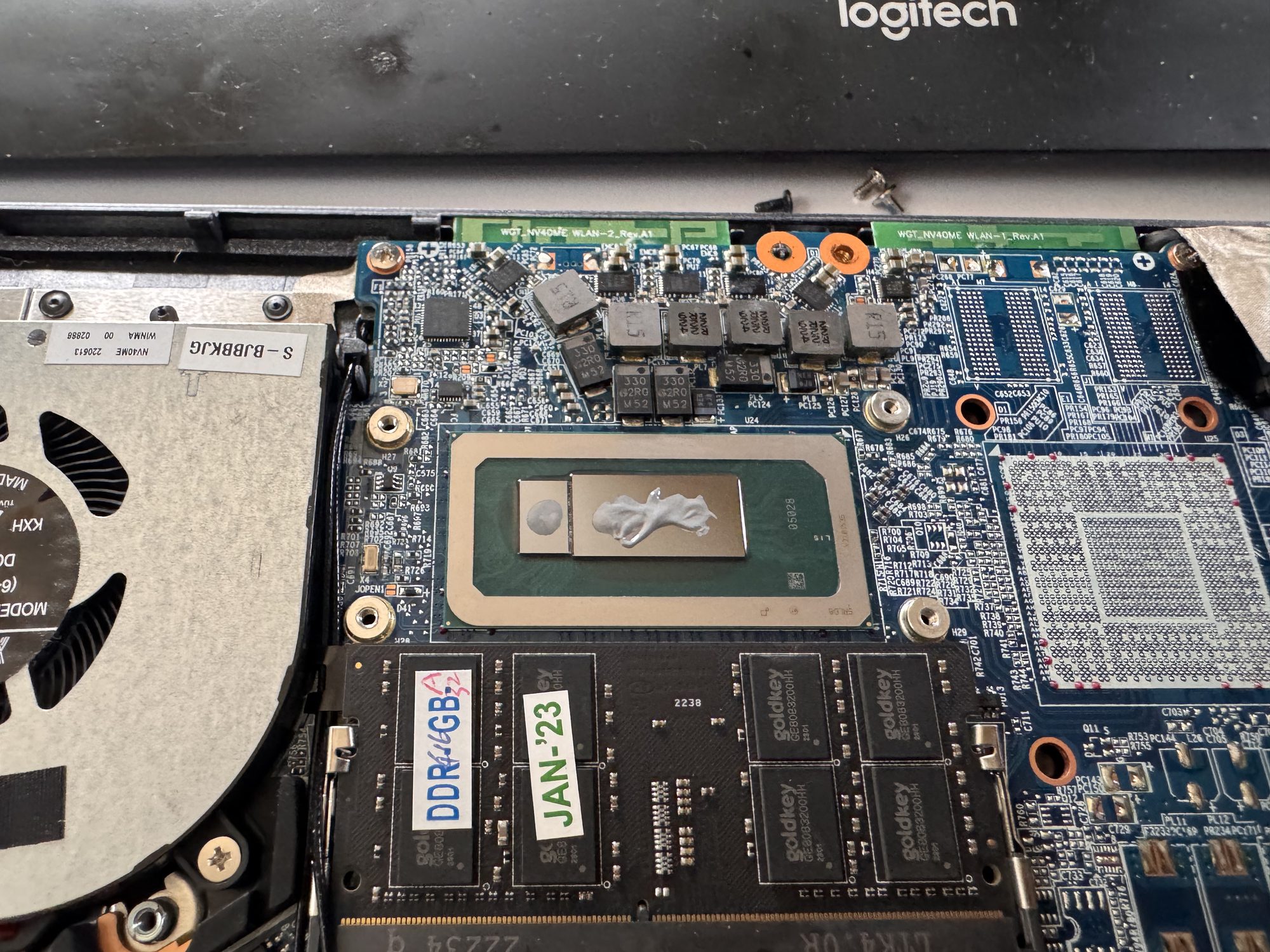 Fresh paste on, heat sink about to go back on.
I turn the computer back on and the screen comes back on.
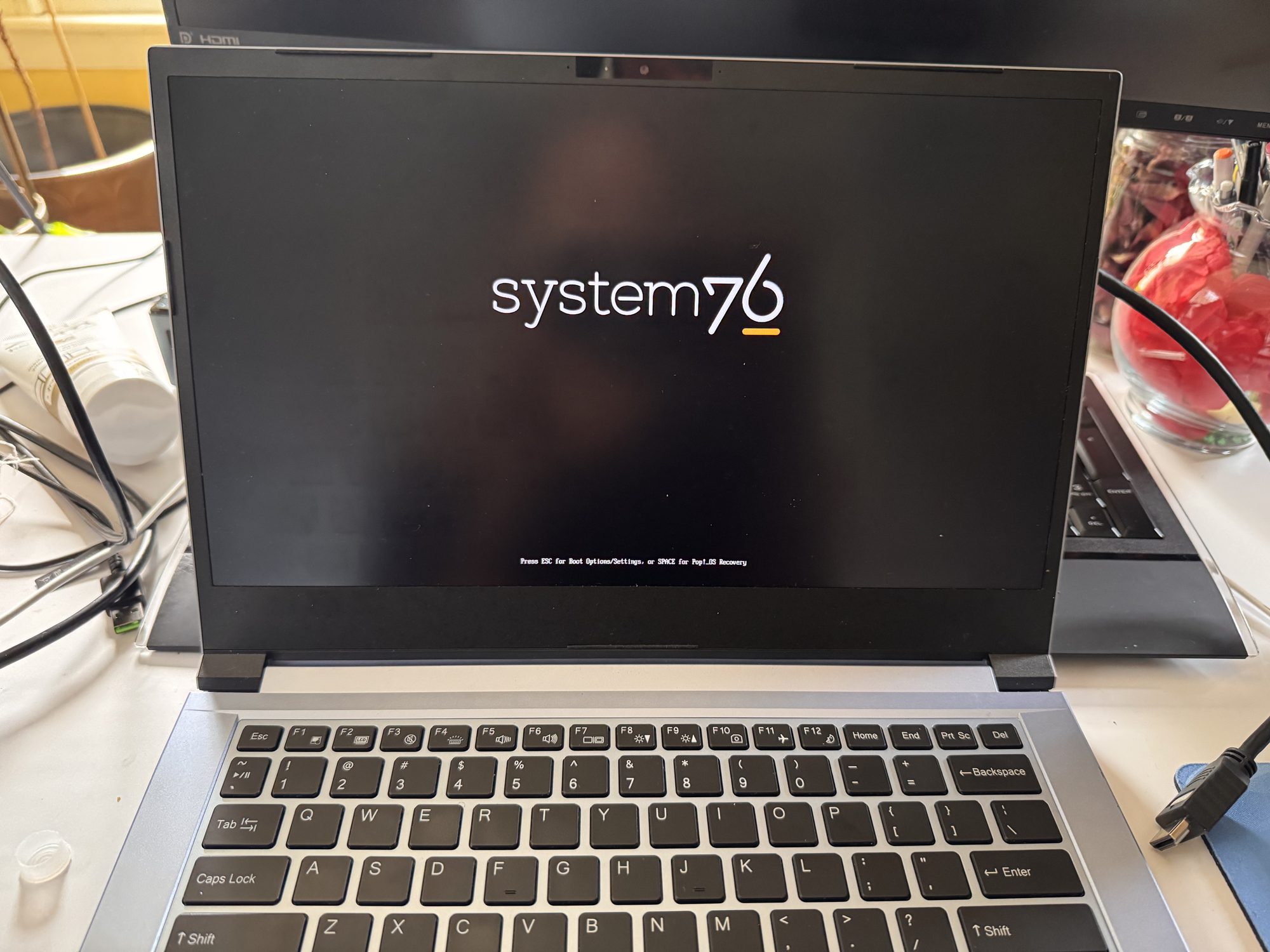 And there it is — the screen’s back.
All of that just to experience a variation of the classic IT fix: “Have you tried turning it off and on again?”
Shout out to System76 for their diagrams and instructions on how to troubleshoot their computers.